A Local GPU Studio: ComfyUI and llama.cpp as Tools for My Agents
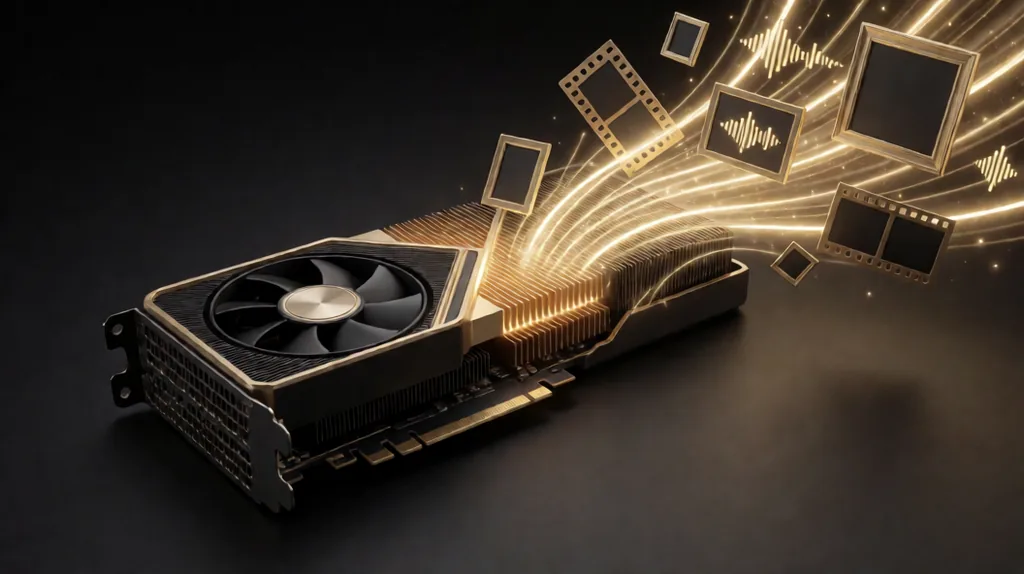
The featured image on this post was rendered on my own graphics card, queued by an AI agent through the same tools I describe below. So were the featured images on my other recent posts.
My workstation has an NVIDIA RTX 5070 Ti with 16 GB of video memory. On it run ComfyUI for images, video and music, and llama.cpp for open-weight language models. Both are wired into my AI Control Center, so an agent can use them like any other tool.
ComfyUI as MCP tools
ComfyUI is a node-based tool for running image and video models. I exposed it as MCP tools: submit a render, submit a batch, check status, fetch results, list templates, colorize photos and generate music. Behind them sit 11 workflow templates:
- LTX-2.5 video from text, from an image, or between a first and a last frame;
- Krea 2 for stills, Qwen for text-to-image and image editing;
- ACE-Step and MiniMax for music;
- DDColor for colorizing old black-and-white photos;
- and a small local model that writes image prompts.
Templates matter more than prompts. Each one is a tested workflow with documented parameters, so an agent changes a few inputs instead of rebuilding a graph.
A job queue built for GPU reality
A GPU is a single, slow, stateful resource, so the queue around it is where most of the engineering went:
- Reachability gate: if ComfyUI is closed, jobs simply wait instead of failing.
- Grouping by model family: switching models costs about 30 seconds of loading, so the queue drains jobs for the loaded model first.
- Adaptive polling: each model family has a time estimate, so the queue checks back when a result is likely, not every second.
- Bounded resubmission: if ComfyUI restarts mid-job, the job is resubmitted, up to a limit.
- Per-family concurrency caps: a light model can run many jobs at once, a heavy one can't.
- Seed sweeps: one upload serves several variations, which is how I pick the best of two takes for each image.
What it's used for
- 85 on-model jewellery renders for Vanilliart's online catalogue, with real products placed on a model photo;
- product-in-place composites for Peletni Kamini, a heating-stove retailer, showing their stoves installed in real rooms;
- ad videos, where a person approves the still frames before any video is rendered, because video is the expensive step.
Final video renders go to rented Colab A100 GPUs; iteration stays local and free.
Local language models with llama.cpp
We're also trying open-weight LLMs locally. llama.cpp, built with CUDA, serves quantized GGUF models of up to 32B parameters: Qwen3 and Qwen3-Coder, gpt-oss-20b, Devstral Small, Mistral Small 3.2, Gemma 3 and TranslateGemma, DeepSeek-R1 distills, and MiniCPM for OCR.
Why bother, when frontier models are a click away? Three reasons:
- Privacy: some client data shouldn't leave the building at all.
- Cost: bulk jobs like translation drafts or OCR add up fast through an API.
- Independence: a local model has no rate limits and no outages I don't control.
The honest status: local models are a complement, not a replacement. On a 16 GB card the bigger ones are slow, and none of them matches a frontier model on hard reasoning. So they're one agent target among the cloud models, for work where privacy or volume matters more than peak quality.
The rest of my AI work, including the MCP servers these tools sit next to, is in my AI and MCP portfolio.